AI Apps for Team Collaboration: Revolutionizing the Way We Work Together
January 16, 2026
As we navigate the complexities of remote work and global teams, the importance of effective collaboration has never been more crucial. In this rapidly evolving landscape, AI-powered apps are poised to revolutionize team collaboration by streamlining communication, amplifying productivity, and fostering deeper connections among colleagues.
In this article, we’ll delve into the world of AI apps for team collaboration, exploring their benefits, features, and potential applications. Whether you’re a remote worker, a manager, or simply someone looking to boost your team’s performance, this comprehensive guide will equip you with the knowledge and insights necessary to thrive in today’s digital era.
What are AI Apps for Team Collaboration?
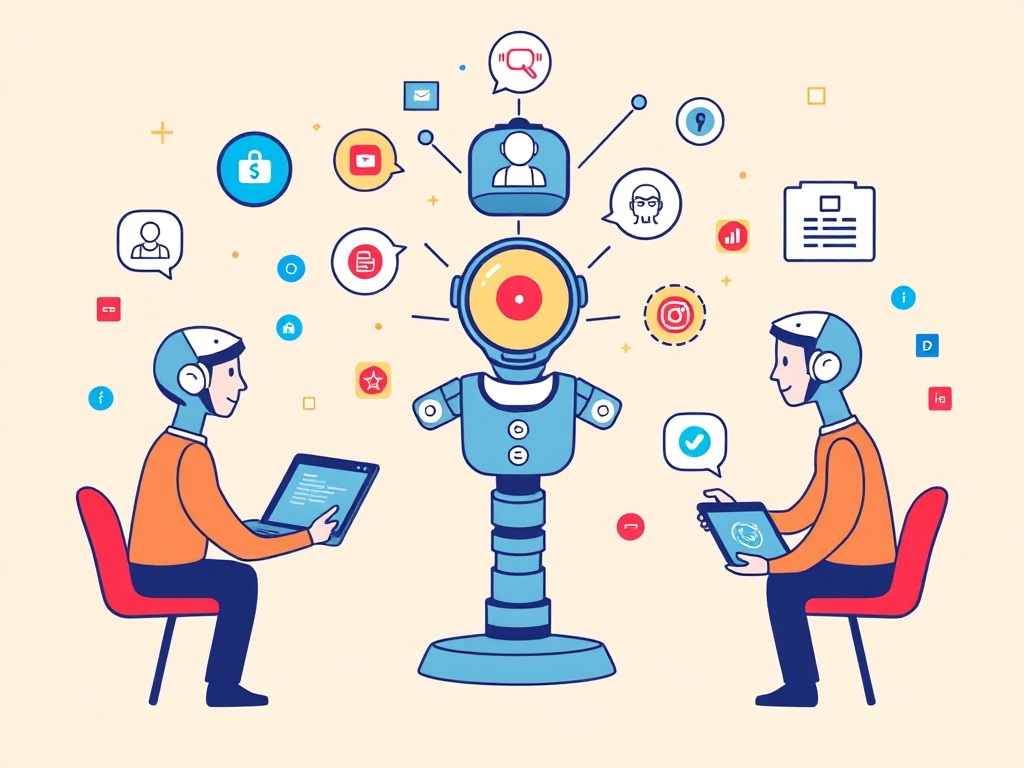
AI apps for team collaboration are software solutions that leverage artificial intelligence (AI) and machine learning (ML) technologies to enhance communication, streamline workflows, and facilitate deeper connections among team members. These apps typically integrate with popular productivity tools like Google Workspace, Microsoft Office 365, or Slack, allowing teams to seamlessly incorporate AI-driven features into their daily workflow.
Benefits of AI Apps for Team Collaboration
By incorporating AI-powered tools into your team’s arsenal, you can expect a range of benefits that will transform the way you work together. Some key advantages include:
- Improved Communication: AI apps facilitate more effective communication by providing personalized suggestions for improving conversation flow, reducing misunderstandings, and promoting active listening.
- Enhanced Productivity: By automating routine tasks, AI apps free up team members to focus on higher-value activities, leading to increased productivity and reduced stress levels.
- Data-Driven Decision Making: AI-powered tools provide actionable insights and analytics, empowering teams to make data-driven decisions that drive growth and innovation.
- Increased Engagement: AI apps foster a sense of community by recognizing milestones, celebrating achievements, and promoting team spirit.
Popular AI Apps for Team Collaboration
- Slackbot: Slack’s AI-powered bot uses natural language processing (NLP) to analyze conversations, provide personalized recommendations, and offer custom integrations with popular tools.
- Microsoft Teams: Microsoft’s collaboration platform integrates AI-driven features like meeting summaries, suggested meeting attendees, and automated workflows.
- Google Workspace: Google’s suite of productivity apps includes AI-powered tools like Google Assistant, which provides personalized suggestions for improving communication and streamlining workflows.
- Workboard: A project management tool that leverages AI to provide real-time analytics, automate routine tasks, and facilitate collaboration among team members.
- Rippling: An HR-focused platform that uses AI to streamline employee onboarding, benefits administration, and performance reviews.
AI Apps for Specific Team Collaboration Needs
Remote Work
- Zoom.ai: A virtual assistant that integrates with Zoom meetings, providing personalized suggestions for improving remote collaboration and automating routine tasks.
- Slackbot: Slack’s AI-powered bot offers custom integrations with popular tools, making it an ideal solution for remote teams.
Global Teams
- Google Workspace: Google’s suite of productivity apps provides seamless integration across languages, cultures, and time zones, making it an ideal solution for global teams.
- Microsoft Translator: A translation tool that leverages AI to facilitate real-time communication across languages and cultures.
Creative Teams
- Adobe Fresco: A digital painting app that uses AI to provide personalized brushstrokes, color palettes, and composition suggestions for creatives.
- AI-generated Content: Tools like Prisma or Deep Dream Generator use AI to generate artwork, music, or written content based on a team’s creative vision.
Marketing Teams
- Hootsuite Insights: A social media analytics tool that uses AI to provide real-time insights, automated reporting, and personalized recommendations for improving marketing campaigns.
- HubSpot CRM: A customer relationship management platform that leverages AI to provide sales pipeline insights, automate routine tasks, and facilitate collaboration among team members.
Challenges and Limitations of AI Apps for Team Collaboration
- Data Quality: The accuracy of AI-powered tools relies heavily on the quality of data inputted by team members.
- User Adoption: AI apps may require significant training or change management to ensure successful adoption across teams.
- Security and Compliance: AI-powered tools may raise concerns around data privacy, security, and compliance with regulatory requirements.
Best Practices for Implementing AI Apps in Team Collaboration
- Start Small: Begin by piloting AI apps on a small scale to gauge effectiveness and identify potential challenges.
- Define Clear Objectives: Establish specific goals and key performance indicators (KPIs) to measure the success of AI-powered tools.
- Provide Training and Support: Offer training sessions, tutorials, or dedicated support channels to ensure team members are equipped to effectively utilize AI apps.
- Monitor Progress and Adjust: Regularly monitor progress, gather feedback, and make adjustments as needed to optimize the use of AI apps in team collaboration.
Conclusion
As we continue to navigate the complexities of remote work, global teams, and digital transformation, AI-powered apps for team collaboration offer a powerful toolset for streamlining communication, amplifying productivity, and fostering deeper connections among colleagues. By understanding the benefits, features, and limitations of these innovative solutions, you’ll be well-equipped to revolutionize the way your team works together in 2026 and beyond.
This article was written by [Your Name] on January 16, 2026.